
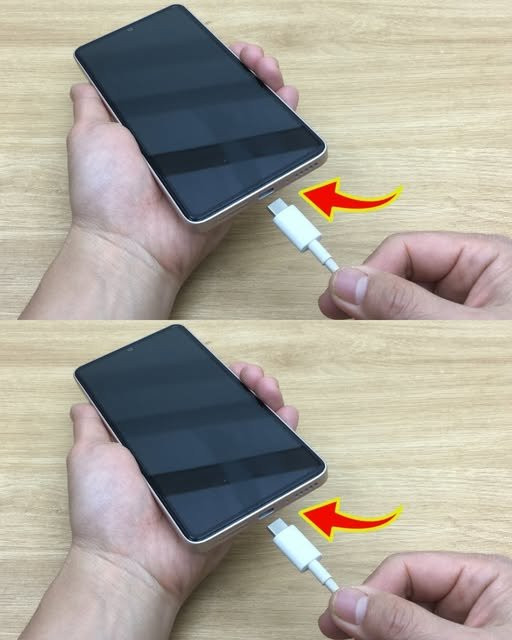
Many users experience frustration when their phones stop charging for no apparent reason. This problem is more common than it seems and, fortunately, in many cases it can be solved without the need to go to a technician or spend money. In this article, we’ll show you an effective method, based on expert experience, so you can fix your phone quickly from home.
Below, you can see the entire procedure through the following video from the Top DIY channel:
Common Causes of Charging Problems
System errors: Sometimes, the operating system freezes or conflicts, preventing the phone from recognizing the charger.
Charger issues: Not all chargers work properly or are compatible.
Dirty or damaged charging port: Accumulated dust and lint can block the connection.
Troubleshooting Steps
1. Restart the Phone
Before trying something more complex, turn your phone off and on. This simple step can fix temporary errors.
2. Try Another Charger
Check to see if the problem is with the charger by testing it with another device, such as a flashlight or tablet. If the other device charges normally, the charger is not the problem.
3. Clean the Charging Port
Use an old toothbrush to remove surface dust.
Prepare a toothpick wrapped in heavy-duty tissue paper or a non-woven fabric.
Slightly dampen with rubbing alcohol and gently wipe the inside of the port.
Use a hair dryer on cool or warm to evaporate any traces of alcohol.
4. Load Test Again
After cleaning, try charging your phone. In most cases, this cleaning resolves the problem at no cost.
Preventive Maintenance Tips
Regularly clean the charging port.
Avoid storing your phone in lint-filled pockets.
Use microfiber cloths to clean the screen without scratching it.
If you use vinegar, dilute it 50% with water and never apply it directly to the device.
Conclusion
Before you take your phone in for repair, try these simple steps. Not only will you be able to solve the problem quickly, but you’ll also learn how to keep your device in better condition.
Applying these methods does not require advanced technical knowledge or special tools. Regular maintenance can extend the life of your phone and avoid unnecessary expenses.
